
Sales
Quotation Agent
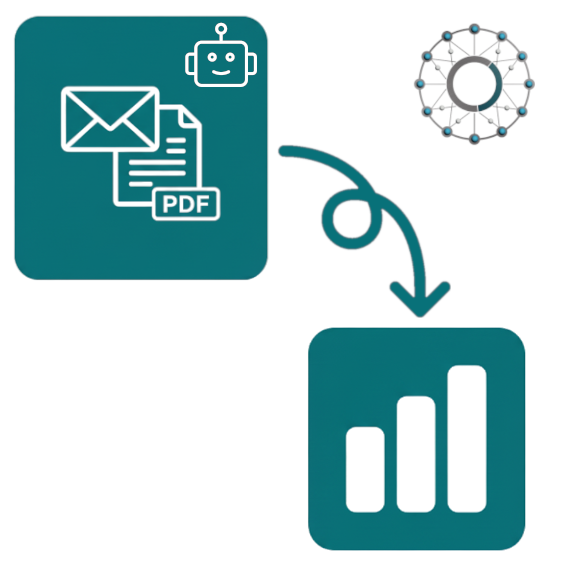
Stop retyping customer emails into sales orders.Let an AI agent read emails, plain text and PDFs — and turn them into Odoo sale order lines automatically.
From customer email to sale order in four steps
- 1
Configure your AI provider
- 2
Customer replies by email
- 3
AI extracts the order lines
- 4
Sale order created, chatter logged
From email to sale order, automatically
When a customer replies to a quotation, the AI agent intercepts the email, extracts products, quantities, customer details and delivery info, then creates a complete sale order in Odoo — pricing, taxes and matched products included. Every step is logged on the order's chatter for review.
Key features
Emails, text, PDFs — even Excel tables
Process incoming email replies, paste plain text in the wizard, or upload a PDF. The agent also handles tabular content copied from Excel — products and quantities land in the right place on the order.
Smart product matching
The agent matches products by reference (SKU) first, then by variant codes, then by name — falling back to a configurable default product when no match is found. Quantities default to 1 if the customer omits them.
OpenAI or Google Gemini
Pick your AI provider in configuration — OpenAI GPT (gpt-4o-mini, gpt-4.1-nano, gpt-5-nano) or Google Gemini (gemini-2.0-flash-lite). One API key, switch models any time.
Custom prompts & debug mode
Add business-specific rules to the prompt (“always use the red variant when not specified”). Enable debug mode to see the raw AI response on the chatter and refine your instructions over time.
One screen for all settings
Under Sales → Configuration → Quotation Agent you set the API key, choose the AI model, configure a default customer and product as fallback, and write your custom prompt. Per-company settings supported out of the box.
FAQ
Which AI providers are supported?
Both OpenAI (gpt-4o-mini, gpt-4.1-nano, gpt-5-nano) and Google Gemini (gemini-2.0-flash-lite). One API key in configuration, switch models any time. OpenAI keys work for OpenAI models; Google Gemini requires its own key.
How does the agent match products?
By reference (default_code / SKU) first, then by variant attribute codes, then by partial name match. If nothing matches, the agent uses your configured default product so the order is still created — you can review and adjust before confirming. Only active, sellable products in the current company are considered.
Do I need to enable email processing?
Automatic email processing is opt-in — tick “Let GPT handle incoming mails” on the quotation so replies are intercepted by the agent. You can also process manually — open a quotation, click Generate Order Lines, and paste the email text or upload a PDF.
Where can I get this module?
We exclusively offer our modules through the Odoo App Store to ensure compatibility and security.
Ready to stop retyping orders?
Install Quotation Agent and let customer emails become sale orders on their own.